




Parents spend a lot of time planning their family’s Disney World trips and hopefully eventually arrive at a plan for their vacation. If your kids are like ours were when they were little, they want to know what to expect during their trip.
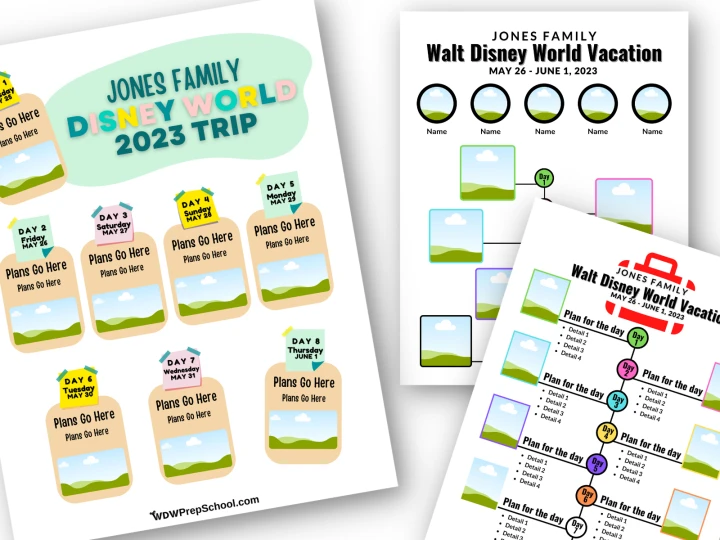
To help with that, we’ve designed three Disney World Itinerary templates you can use to do just that.
Here’s how they work:
How to use these templates
Our templates are made with Canva, a popular and easy-to-use design tool that you can use to make all different things.
At the time of their design, all of our templates were made with free elements, which means you will be fine using a free Canva account to customize them for your family.
Once you open the templates below, you’ll be able to modify them at will. You can use them exactly as is, or change them up however you’d like! You can swap out the elements, change the font, etc. You can even change the colors.
Note: If you are new to Canva, you can find tons and tons of Canva tutorials on YouTube that are perfect for beginners.
Free Canva Disney Itinerary Templates
Template 1 (Visual)
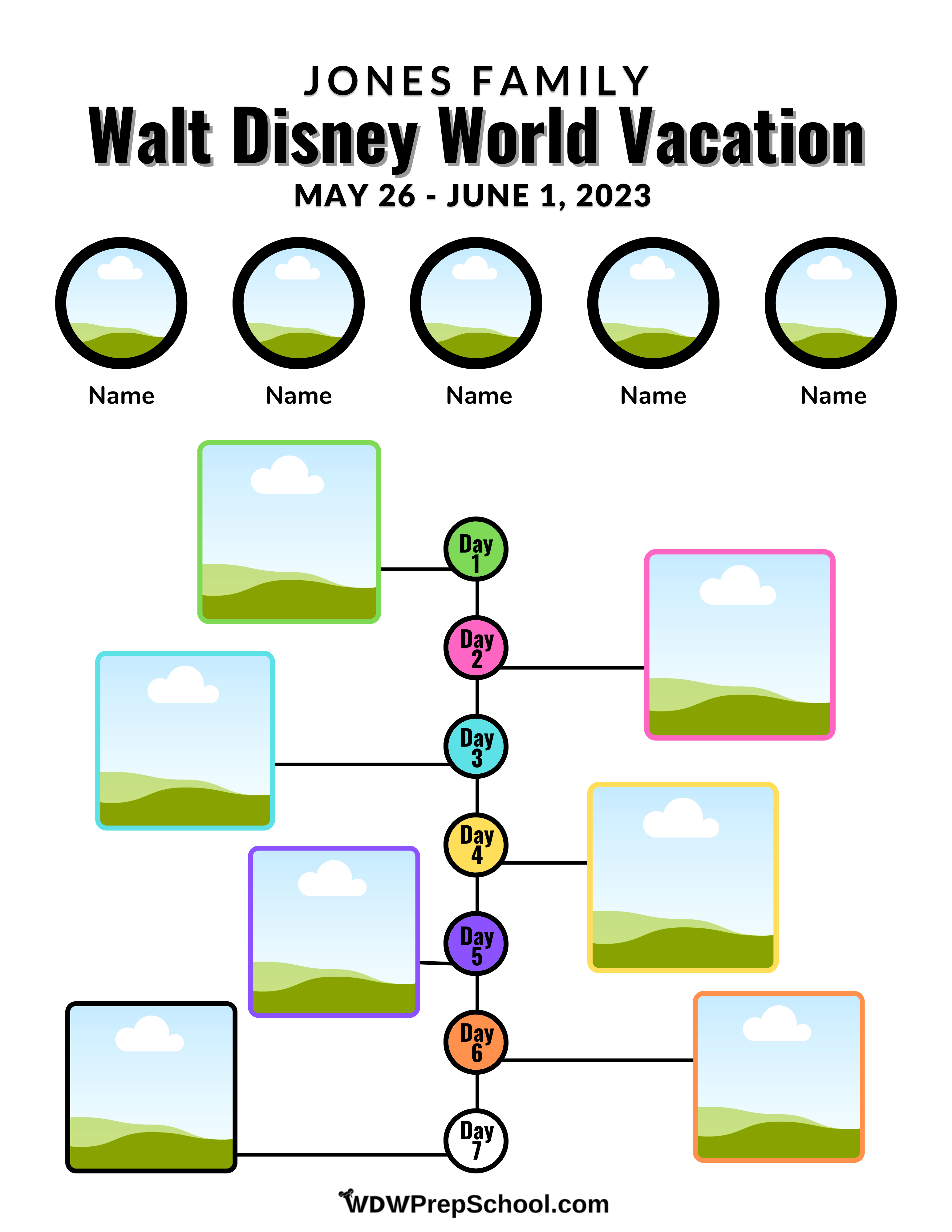
This first option is designed to be primarily visual for little ones who aren’t quite readers yet.
If you don’t have your own photos to use, you should have no problem finding exactly what you’ll need on the internet and uploading them to Canva. If you aren’t sure how to do that, check out the link to the tutorials above for assistance.
Here is what this template looks like blank:
And here it is filled out, so you can get an idea of what the finished project will look like:

Template 2
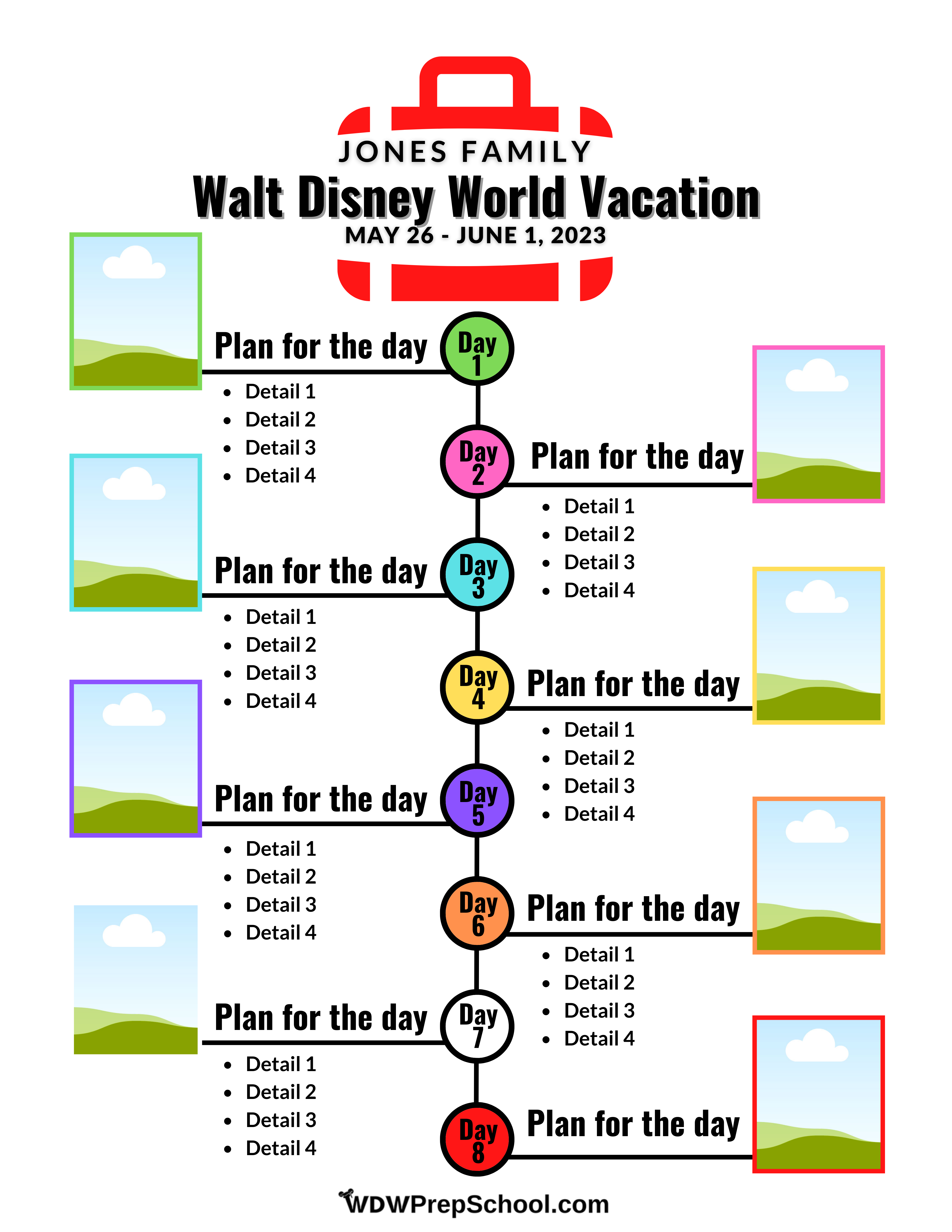
Template 2 is similar, but it has room for a lot more text:
Here is what this template looks like blank:
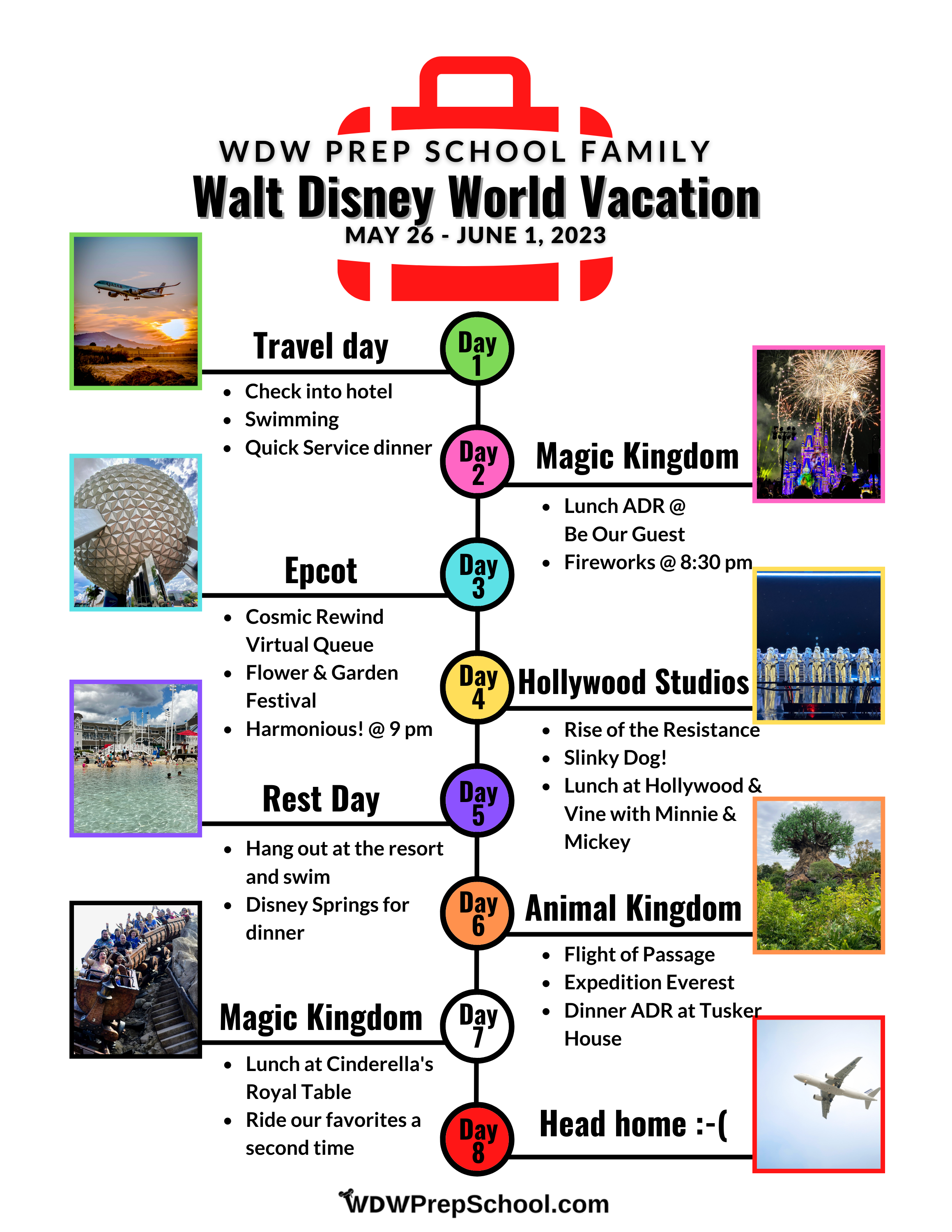
And here is an example of what it will look like once you fill it in:
Template 3
Finally, we have a template that is kind of a hybrid between the 2 with a place for an image and a little bit of text:
Here is what it looks like blank:
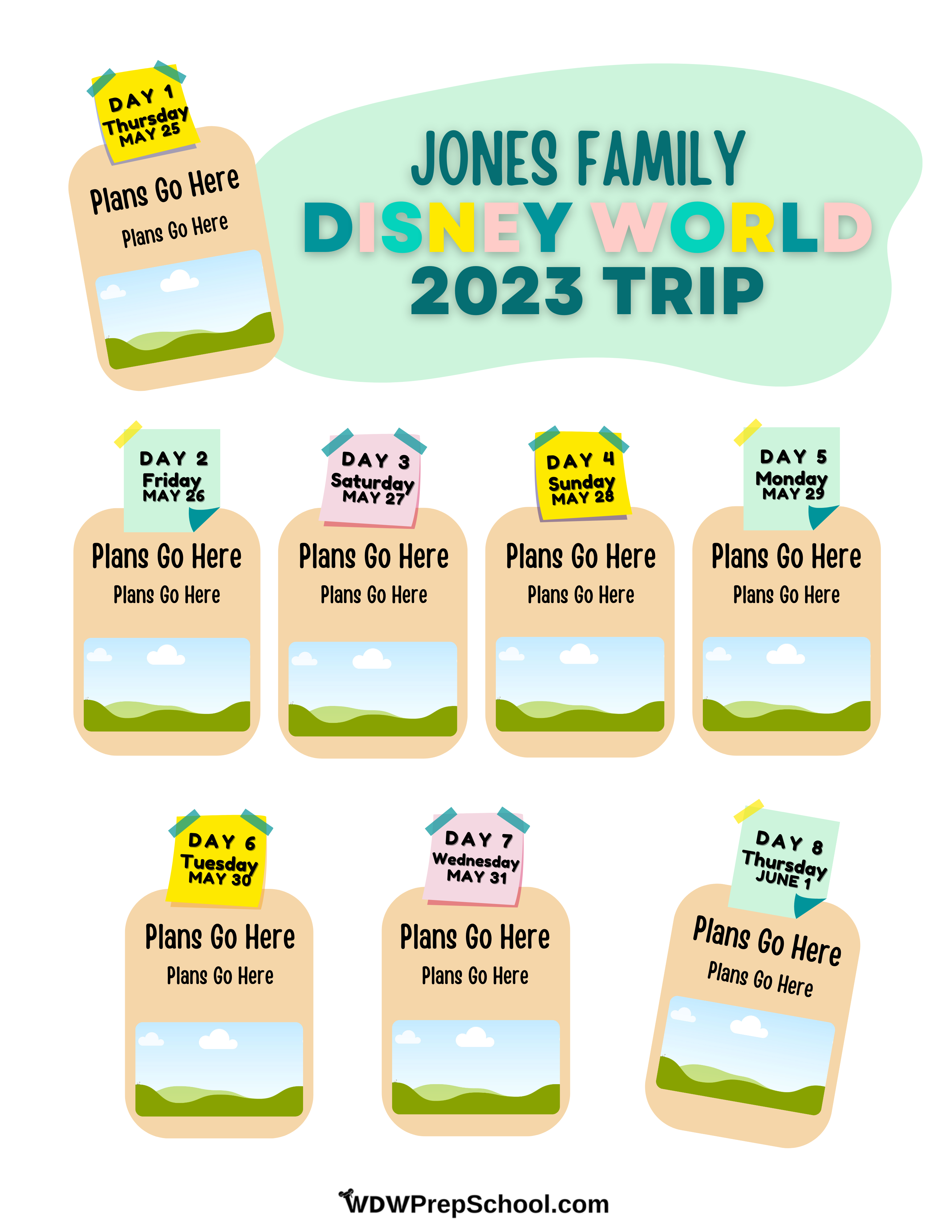
And here is what it looks like all filled out:
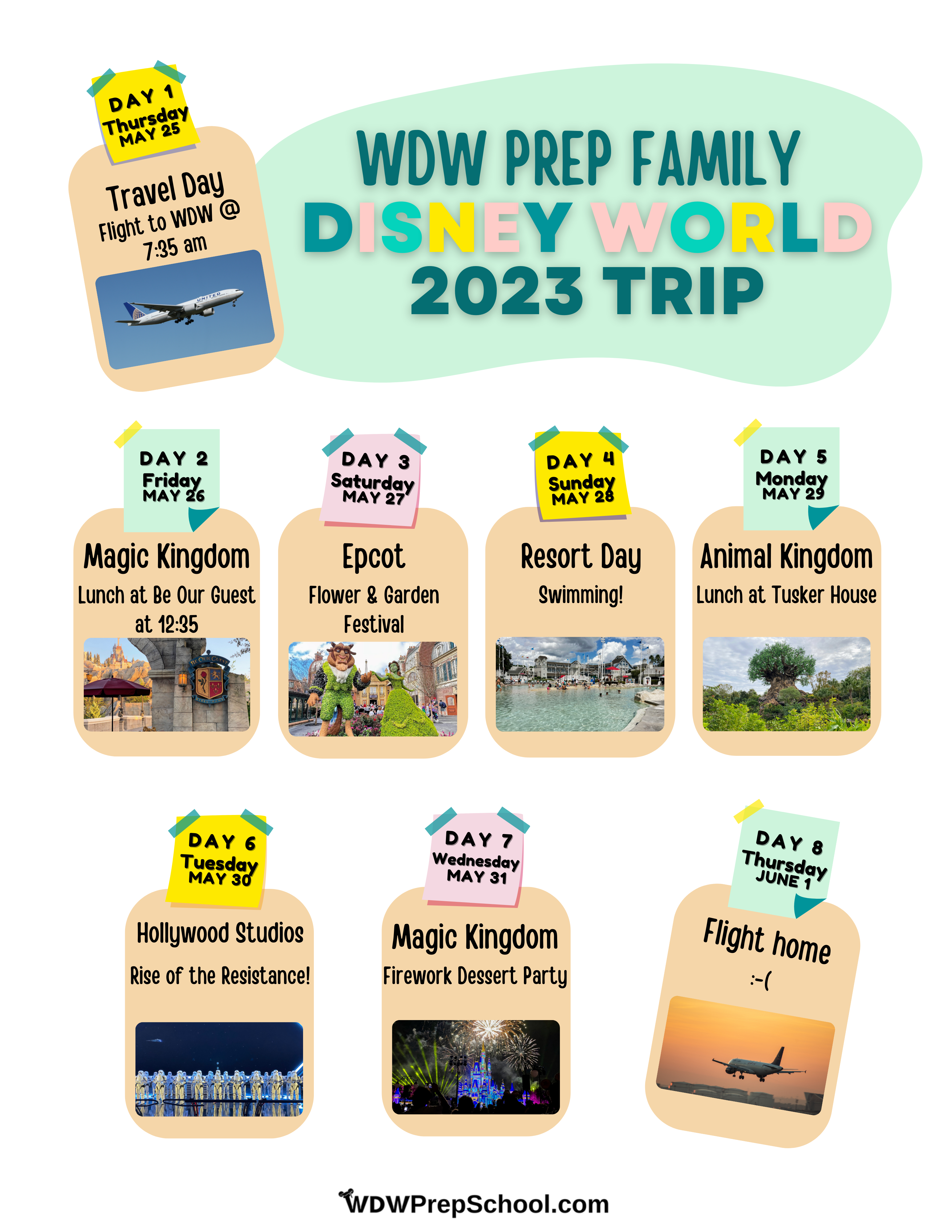
************
Questions or comments on how the templates works? Talk about it in the comments.
Kathy
Monday 12th of December 2022
Can you please send me the updated Word version for Template 2? Thanks so much for sharing!
Kevin Cartagena
Thursday 2nd of June 2022
Hello, is there anyway you could share this with the updated Word template? When I download this, it isn’t working in the new version. Thank you so much for sharing!!
Ashley Chaudron
Friday 15th of January 2021
Hello, is there anyway you could share this with the updated Word template? When I download this, it isn't working in the new version. Thank you so much for sharing!!
Kirsten
Tuesday 13th of June 2017
Does anyone know how to make your own pictures round? That may be a dumb question, but I cropped them down small enough, and I can't figure out how to change the shape! Thanks!
Amanda
Thursday 6th of April 2017
The word template was awesome, thank you so much! The kids will be very excited!